If you're a singer-songwriter who wants to capture acoustic guitar and vocals at home without wrestling with complicated gear, the focusrite scarlett solo acoustic guitar singer songwriter workflow is one of the most reliable starting points in 2026. The Scarlett Solo (4th Gen) is a two-in, two-out USB-C interface with one combo XLR/TRS preamp and one dedicated instrument input, which maps almost perfectly to a single condenser microphone on your guitar and either a second mic on your vocal or a DI'd acoustic-electric. It delivers clean 24-bit/192 kHz conversion, very low latency on macOS and Windows, and just enough headroom to record finger-style dynamics without clipping.
This guide walks through whether the Solo is genuinely the right interface for an acoustic-leaning songwriter, how to set gain for fragile fingerpicking, which microphones pair best, and where the Solo's limits start to show. By the end you should know exactly whether to buy the Solo, step up to the 2i2, or look at a different brand entirely.
The best focusrite scarlett solo acoustic guitar singer songwriter for your situation depends on how you plan to use it and where.
Why the Scarlett Solo fits singer-songwriters
Most singer-songwriter sessions at home need exactly two things at once: a microphone on the acoustic guitar and either a vocal mic or a guide vocal. The Scarlett Solo provides one XLR preamp (with 48V phantom power) and one Hi-Z instrument input. That means you can mic the guitar with a small-diaphragm condenser and plug an acoustic-electric pickup into the instrument input simultaneously, recording both to separate tracks in your DAW. For songwriters who layer parts one at a time — click, guitar, vocal, harmonies — the Solo's single mic preamp is rarely the bottleneck.



The 4th Gen revision added an Auto Gain feature that listens to a few seconds of your loudest strum or vocal phrase and sets a sensible input level automatically. For acoustic players who don't want to babysit a meter, that's genuinely useful. Clip Safe takes it a step further by dynamically lowering gain mid-take if you suddenly dig in harder on a chorus.
What the Solo gets right for acoustic recording
Acoustic guitar is a quiet, transient-rich source. It needs a preamp with enough clean gain to push a condenser microphone without adding hiss, and converters that preserve string detail. The Solo's preamp offers roughly 69 dB of gain, which is plenty for any modern large- or small-diaphragm condenser. The instrument input has a high enough impedance for piezo and magnetic pickups in acoustic-electric guitars without sounding thin or honky.
Round-trip latency on a typical laptop sits in the 5–7 ms range at a 64-sample buffer, low enough that you can monitor your vocal through a plate reverb plugin while tracking and not feel disconnected from the timing. The direct-monitor switch routes inputs straight to the headphones at zero latency if you'd rather keep the signal path simple.
Where the Solo runs out of room
The Solo is a single mic-preamp interface. If you want to record vocals and a stereo pair on the guitar simultaneously, or stereo-mic the guitar in X/Y, you'll need two XLR preamps — that's the Scarlett 2i2 territory. The Solo also has no MIDI ports, so a controller keyboard has to connect over USB. Finally, the headphone output is fine for solo monitoring but doesn't have a separate volume for a guest, so duet tracking sessions get awkward.
If any of those constraints are dealbreakers, you'll save money in the long run by stepping up. Our breakdown of the best audio interfaces of 2026 compares the Solo against two-channel and four-channel rivals.
Solo vs. 2i2 vs. competitors at a glance
| Interface | Mic preamps | Instrument inputs | Best for | Approx. price |
|---|---|---|---|---|
| Focusrite Scarlett Solo (4th Gen) | 1 | 1 | Solo songwriter tracking one source at a time | $$ |
| Focusrite Scarlett 2i2 (4th Gen) | 2 | 2 (combo jacks) | Vocal + guitar mic simultaneously, stereo pairs | $$$ |
| Behringer UMC22 | 1 | 1 | Absolute lowest-cost entry, hobby use | $ |
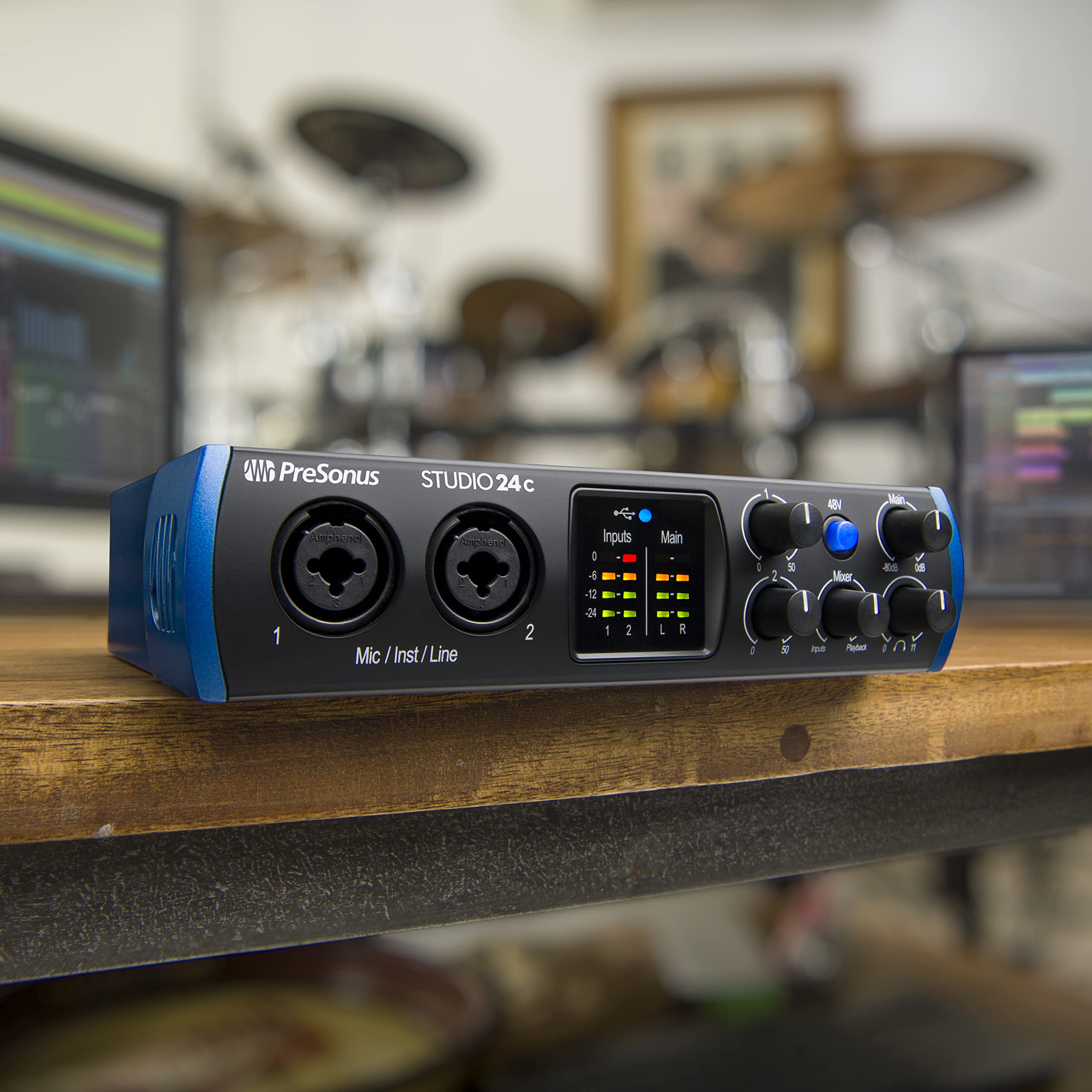
| PreSonus Studio 24c | 2 | 2 | Bundled software, MIDI I/O for keyboard players | $$$ |
If you're cross-shopping with the cheaper end of the market, our Scarlett 2i2 vs. Behringer UMC22 comparison covers what you actually give up at the budget tier.
Setting up the Scarlett Solo for acoustic guitar and vocals
Step 1: Place the microphone
For a single-mic acoustic recording, point a small-diaphragm condenser at the 12th to 14th fret, roughly 8–12 inches away, angled slightly toward the soundhole. This captures the balance of pick attack and body resonance without the boom you get if you aim directly at the soundhole. A large-diaphragm condenser also works and gives a warmer tone, but watch for proximity effect.
Step 2: Set gain with Auto Gain
Plug the mic into input 1, engage 48V phantom, and tap Auto Gain. Strum your loudest expected passage during the 10-second window. The Solo will set input level so peaks land around −6 dBFS, leaving headroom for a chorus. If you fingerpick most of a song and only strum the bridge, set gain manually using your loudest section as the reference.
Step 3: Track vocals separately
Singer-songwriters get better results recording vocals on a second pass than trying to capture both simultaneously with one mic. Unmute the guitar track, route it to the Solo's monitor mix, and re-record vocals through the same XLR input. This avoids bleed and lets you treat each source independently.
Step 4: Monitor without latency
Flip the Direct Monitor switch to On. Your input now goes straight to headphones with no DAW round-trip. Switch it back off once you want to hear plugin reverb on your vocal monitor.
Microphones that pair well with the Scarlett Solo
The Solo's preamp is clean and neutral, which means microphone choice has more influence on the final sound than the interface itself. For acoustic guitar, the most-recommended pairings under $250 are:
- Small-diaphragm condensers (Rode NT5, sE Electronics sE7, Lewitt LCT 040 Match) for accurate string detail and pick articulation.
- Large-diaphragm condensers (Audio-Technica AT2020, Rode NT1 5th Gen, Lewitt LCT 240 Pro) for warmer body tone and dual-purpose vocal duty.
- Dynamic vocal mics (Shure SM7B, Shure SM58) if your room is untreated and you need a mic that rejects reflections — though the Solo's preamp is borderline for the SM7B without a Cloudlifter.
For more head-to-head detail on the most common vocal contenders, see the SM7B vs. NT1 comparison.
Best single-mic pick: a small-diaphragm condenser pair
A matched pair of small-diaphragm condensers is the most flexible long-term investment for acoustic singer-songwriters. You start with one mic on the 12th fret, and when you eventually upgrade to a two-input interface you can run X/Y or spaced-pair stereo. Most pairs in this category pair beautifully with the Scarlett Solo's transparent preamp.
Best vocal-and-guitar dual-purpose pick: a versatile LDC
If budget allows only one microphone, a mid-tier large-diaphragm condenser handles both your vocal and your guitar respectably. It won't be optimal for either source, but a good LDC at 8–10 inches off the guitar with a pop filter for vocals gets professional-sounding rough demos. You can always add a dedicated SDC for guitar later.
Room treatment matters more than the interface
A common mistake is upgrading interfaces or microphones while ignoring the room. Acoustic guitar in a reflective bedroom sounds boxy no matter how transparent your Scarlett Solo's converters are. Before spending more on gear, treat the first reflection points behind and to the sides of your tracking position. Our guides on reducing echo in a home studio and building a soundproof home studio walk through the cheapest high-impact treatments.
Software that ships with the Scarlett Solo in 2026
Focusrite continues to bundle the Hitmaker Expansion with new Scarlett interfaces, which currently includes Ableton Live Lite, Pro Tools Artist (three-month subscription), Antares Auto-Tune Access, a Native Instruments software pack, and a small library of plugins from Brainworx, Softube, and others. For a songwriter who hasn't bought a DAW yet, that bundle alone is worth several hundred dollars and lets you start producing immediately. Register the Solo at focusrite.com to claim the licenses within the first 30 days.
Should you buy the Solo or step up to the 2i2?
The Solo is the right choice if you record one source at a time and want the simplest, cheapest pro-quality entry point. The 2i2 is worth the price jump if any of these apply to you: you want to capture vocal and guitar in a single live take, you're considering stereo-mic'ing the guitar, you sometimes record duets with another person, or you anticipate adding a podcast workflow with two mics. For most pure songwriters tracking parts one at a time, the Solo is enough — and the money saved is better spent on a better microphone or basic acoustic treatment.
Frequently Asked Questions
Is the Focusrite Scarlett Solo good for recording acoustic guitar at home?
Yes. The Solo's single XLR preamp delivers clean, low-noise gain that's well-suited to condenser microphones on acoustic guitar, and the 24-bit/192 kHz converters preserve string detail. As long as you only need to record one microphone at a time, it's a strong choice for solo songwriters.
Can I record vocals and acoustic guitar simultaneously with the Scarlett Solo?
Partially. You can mic the guitar through the XLR input and plug an acoustic-electric guitar's pickup into the instrument input at the same time, recording each to its own track. But you cannot record a microphone on the vocal and a microphone on the guitar at the same time — that requires a two-preamp interface like the Scarlett 2i2.
What microphone should I use with the Scarlett Solo for fingerstyle acoustic?
A small-diaphragm condenser aimed at the 12th fret captures fingerstyle nuance best. The Rode NT5, sE Electronics sE7, and Lewitt LCT 040 Match are popular budget-friendly options. If you want a single mic that doubles for vocals, a large-diaphragm condenser like the Audio-Technica AT2020 or Rode NT1 5th Gen is a sensible compromise.
Does the Scarlett Solo have enough gain for an acoustic guitar performance?
Yes, easily. The 4th Gen Solo offers around 69 dB of preamp gain, which is plenty for any condenser microphone on acoustic guitar. The only marginal pairing is the Shure SM7B — a dynamic mic that needs very high gain — where you may want an inline preamp like a Cloudlifter for the cleanest result.
Is the Scarlett Solo or 2i2 better for a singer-songwriter?
The Solo is better if you record one part at a time and want to spend less. The 2i2 is better if you need to capture vocal and guitar microphones simultaneously, want to use stereo microphone techniques on the guitar, or expect to grow into duet or podcast workflows. Most pure songwriters who overdub parts are well-served by the Solo.
What's the round-trip latency of the Scarlett Solo for monitoring vocals?
On a modern laptop with a 64-sample buffer in Logic Pro, Ableton Live, or Pro Tools, expect 5–7 ms of round-trip latency — low enough to monitor vocals through plugin reverb without timing problems. If you need absolute zero latency, engage Direct Monitor and listen to inputs hardware-routed straight to your headphones.
Do I need an acoustic treatment kit before buying the Scarlett Solo?
You don't need it before the interface, but room reflections will limit your recording quality faster than the Solo will. Treat the first reflection points around your tracking position with broadband absorption panels, and place a thick blanket or absorber behind your mic on the wall opposite the guitar's soundhole. The improvement is almost always larger than upgrading an interface.
Key Takeaways
- Choosing the right focusrite scarlett solo acoustic guitar singer songwriter means matching capacity and output ports to your actual devices
- Always check actual watt-hours (Wh), not just watts — runtime depends on Wh, not peak output
- Also covers: scarlett solo for fingerstyle guitar
- Also covers: scarlett solo vocal and guitar
- Also covers: scarlett solo home demo recording
- Compare price-per-Wh across models to find the best value for your budget