The HyperX QuadCast S for RGB Twitch streaming setup hits a sweet spot for streamers who want eye-catching lighting and broadcast-quality audio without blowing past a $200 budget. Priced around $130-$160, it leaves room in your budget for a boom arm, pop filter, or acoustic foam upgrades. With dynamic RGB lighting that syncs through NGENUITY software, a built-in shock mount, tap-to-mute sensor, and four selectable polar patterns, the QuadCast S is purpose-built for Twitch creators who stream from a desk and want their gear to look as good as it sounds on camera. Below, we break down why this mic earns its spot in so many RGB-themed setups and how to maximize your remaining budget.
Why the QuadCast S Dominates Sub-$200 RGB Streaming Builds
Walk into any popular Twitch streamer's setup video and you'll almost certainly see a QuadCast S glowing behind them. There's a reason this microphone keeps showing up in 2026's RGB-heavy gaming dens, and it isn't just the lighting. HyperX built the QuadCast S as a USB condenser microphone with onboard features that replace several accessories you'd otherwise need to budget for separately.



The internal anti-vibration shock mount alone saves you $20-$40. The built-in pop filter handles plosives well enough that most streamers never bother adding an external one. The tap-to-mute sensor on top of the mic lets you mute instantly between commentary breaks, sneezes, or that knock at the door — no awkward fumbling with software toggles mid-stream. Those features matter when you're trying to stretch every dollar of a $200 build.
Audio Quality: What Twitch Viewers Actually Hear
The QuadCast S uses a 14mm condenser capsule with a 20Hz-20kHz frequency response and records at 24-bit/48kHz over USB-C. For a USB condenser at this price, that's competitive with anything Blue, Razer, or Elgato offers in the same tier. Voice reproduction skews slightly bright, which translates well over Twitch's audio compression and helps your voice cut through gameplay audio.
The cardioid polar pattern is the one you'll use 95% of the time. It captures sound from directly in front of the capsule while rejecting noise from behind and the sides, which keeps mechanical keyboards, PC fans, and roommate noise out of your stream. The other three patterns — bidirectional, omnidirectional, and stereo — are nice to have for podcast guest setups or ASMR-style streams, but cardioid is your default.
One honest caveat: condenser mics pick up more room noise than dynamic mics like the Shure SM7B. If your room has hard floors, bare walls, and a noisy AC unit, you'll hear it. We cover quick room fixes below, but a few foam panels behind your monitor and a thick rug under your chair go a long way.
The RGB Lighting That Sells It
The QuadCast S isn't just an RGB mic — it's an RGB mic that lets you control the lighting at a level the original QuadCast couldn't. Through HyperX's NGENUITY software, you can pick from preset effects (wave, breathing, solid color, cycle) or build custom patterns that match your stream overlay or alert colors. The lighting runs through the mic body and the bottom ring, giving you a glowing silhouette that reads well on camera even from across the room.
If your stream brand uses a specific accent color — say, magenta for your alerts and emote highlights — the QuadCast S can match it exactly. That tight color coordination is what separates a generic gaming setup from a recognizable Twitch brand in the eyes of your viewers.
A practical note: the lighting is bright enough to bloom on lower-end webcams in low light. If you stream with a Logitech C920 or similar mid-tier webcam, drop the brightness to 60-70% in NGENUITY to avoid washing out the glow on camera.
Building Your $200 RGB Stream Setup Around the QuadCast S
Assuming you spend $140 on the HyperX QuadCast S for RGB Twitch streaming setup itself, you have roughly $60 left. Here's how to spend it wisely.
Boom Arm ($25-$40)
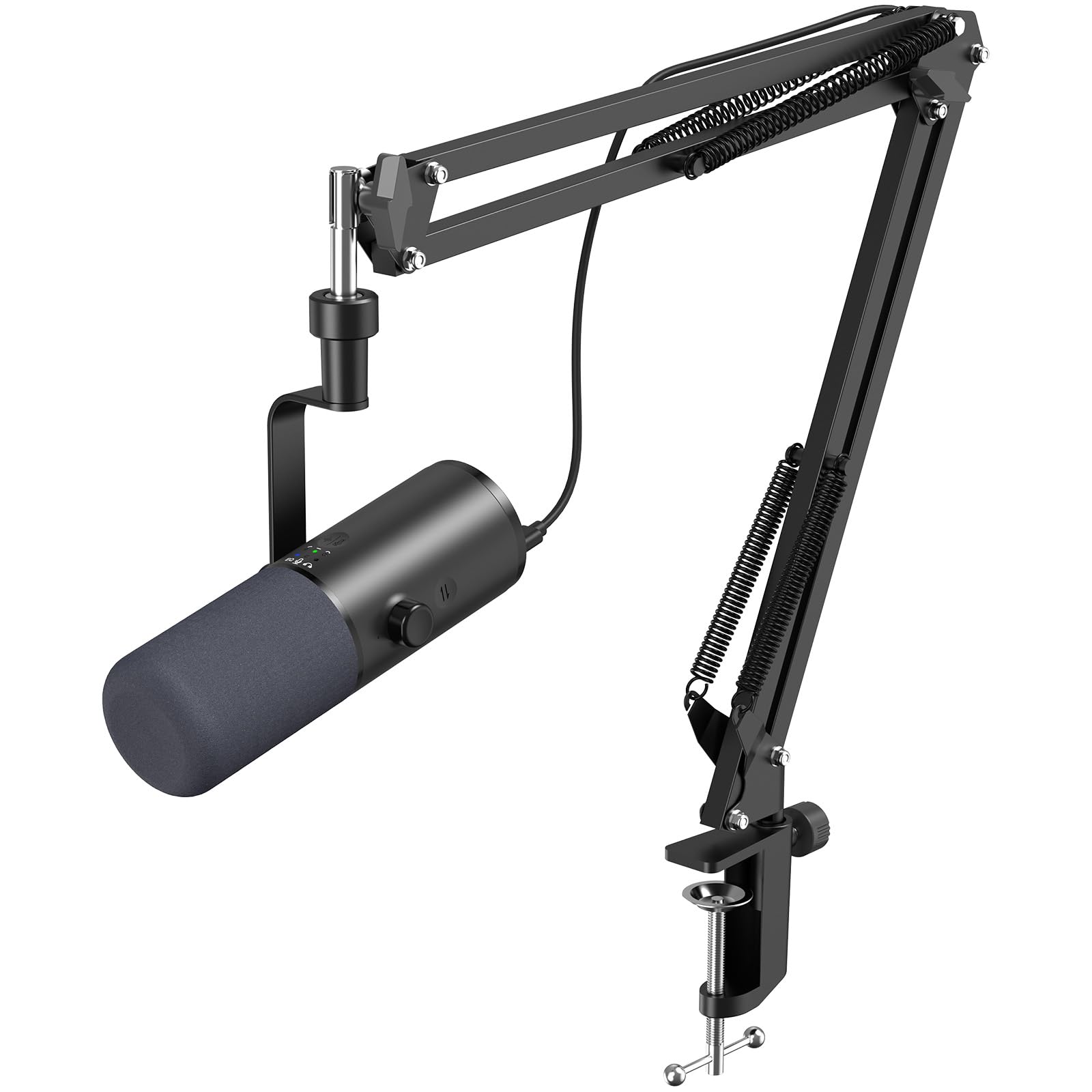
A desk-mounted boom arm gets the mic out of your camera frame, lets you position it closer to your mouth for better audio, and makes your setup look more professional. Look for arms with internal cable routing if you want a cleaner aesthetic. The QuadCast S has a standard 5/8-inch thread with a 3/8-inch adapter, so it fits virtually any arm on the market.
USB-C Cable Upgrade ($10-$15)
The included cable is fine but short. A longer braided USB-C to USB-A cable in a color that matches your build looks dramatically better than the stock black one snaking across your desk.
Acoustic Treatment ($15-$30)
Two or three 12x12-inch acoustic foam panels mounted behind your monitor reduce flutter echo and tighten up your vocal recording. They don't soundproof your room, but they kill the reverb that makes home setups sound amateur. For more on this, see our guide on reducing echo in a home studio.
If you blow past $200 on accessories, that's fine — but the QuadCast S delivers most of what you need straight out of the box.
OBS and Streamlabs Configuration Tips
Plug the QuadCast S into a USB-A port directly on your motherboard's rear I/O if possible — front-panel USB and unpowered hubs can introduce noise on some PC builds. In OBS or Streamlabs, set the mic as your Mic/Aux device and apply a Noise Suppression filter (RNNoise works well), a Noise Gate at around -45dB threshold, and a Compressor with a 4:1 ratio and -18dB threshold. These three filters tame the condenser's sensitivity without making your voice sound processed.
Set your input gain on the back of the mic to roughly the 12 o'clock position, then fine-tune in OBS. If you're hitting -6dB on the meter while speaking normally, you're in the right ballpark. Going hotter than that risks clipping during excited moments — the exact moments you most want viewers to hear clearly.
Comparing the QuadCast S to Other Sub-$200 Streaming Mics
The QuadCast S competes with the Razer Seiren V3 Chroma, the Elgato Wave:3, and the Blue Yeti X. The Seiren V3 Chroma matches the RGB factor and runs about the same price, but its onboard features are slightly less polished. The Wave:3 sounds excellent and integrates beautifully with Elgato's Stream Deck ecosystem but ships with zero RGB — if lighting matters to your brand, it's out. The Yeti X has informative LED metering but the lighting is more functional than decorative.
For pure audio quality, the Wave:3 edges out the QuadCast S. For RGB integration plus solid audio, the QuadCast S wins. For a deeper look at how condenser USB mics stack up against XLR alternatives, our 2026 podcast microphone roundup covers the broader landscape.
Room Treatment for Condenser Mic Streamers
Because the QuadCast S is a sensitive condenser, your room matters more than it would with a dynamic mic. The fastest fixes:
Hang a thick blanket or moving pad on the wall behind your camera (the wall the mic points at). This catches the reflection of your voice that would otherwise bounce back into the capsule.
Add a rug under your chair and desk. Hard floors are the single biggest source of room echo in a home studio.
Close your closet door — open closets full of clothes are actually great absorbers, but their door surfaces are reflective.
For a comprehensive walkthrough of treating a bedroom for streaming and recording, our guide on improving audio quality in home studios goes deeper than we can here.
Common Issues and Quick Fixes
Mic sounds muffled or distant
You're too far from the capsule. The QuadCast S sounds best at 4-6 inches with your mouth slightly off-axis to avoid plosives.
Picking up keyboard noise
Make sure you're on the cardioid pattern (the rear-facing flower icon), not omnidirectional. Then check that the mic is on a boom arm rather than the desk stand — desk-mounted mics transmit keyboard vibrations directly into the capsule despite the internal shock mount.
RGB lighting won't customize
NGENUITY needs to be installed and running in the background. If it's not detecting the mic, try a different USB port and reinstall the software.
Echo on stream but not in your headphones
You probably have monitoring enabled in OBS while also using the mic's direct-monitoring output through your headphones, creating a feedback loop. Disable monitoring in OBS for your mic source.
Is the QuadCast S Right for Your Brand?
If your Twitch channel leans into the gaming aesthetic — RGB peripherals, neon accents, a custom overlay with glowing edges — the QuadCast S is almost a no-brainer at this price. If your channel is more low-key and you'd rather invest in audio quality alone, the Elgato Wave:3 or a used Shure MV7 might serve you better. But for streamers building an RGB-themed setup on a $200 budget, nothing in 2026 hits this combination of looks, features, and broadcast-ready sound quite as cleanly.
The HyperX QuadCast S for RGB Twitch streaming setup remains the default recommendation for a reason: it's the rare piece of streaming gear that doesn't force you to compromise on either the visual brand or the audio.
Frequently Asked Questions
Is the HyperX QuadCast S worth it for a Twitch streamer on a tight budget?
Yes, for streamers prioritizing RGB aesthetics alongside solid audio quality, the QuadCast S delivers more value than nearly any sub-$200 USB mic. The built-in shock mount, pop filter, tap-to-mute sensor, and four polar patterns mean you don't need to budget for accessories that condenser mics from other brands usually require separately. If RGB is irrelevant to your brand, a Shure MV7 or Elgato Wave:3 may give you cleaner audio for similar money.
Can the QuadCast S RGB sync with Razer Chroma or Corsair iCUE?
Officially, no — the QuadCast S only syncs through HyperX's NGENUITY software, not Razer Chroma or Corsair iCUE. You can manually match colors between your peripherals and the QuadCast S by entering the same hex or RGB values in each app, which gets you 95% of the way there. Some community tools have attempted bridging integrations, but they're unofficial and may break with software updates.
Does the QuadCast S work with PS5 and Xbox Series X for console streaming?
The QuadCast S works as a plug-and-play USB mic on PS5 for both party chat and broadcasting through the PS5's built-in streaming. On Xbox Series X, USB microphone support is limited and inconsistent — most Xbox streamers route the QuadCast S through a PC capture card setup rather than direct console use. For pure console streaming with no PC in the chain, a headset mic or a mic that connects via the controller's 3.5mm jack is more reliable.
How does the QuadCast S compare to the original QuadCast?
The QuadCast S adds full RGB customization through NGENUITY, a USB-C connector (versus mini-USB on the original), and slightly refined internal electronics. Audio quality is similar between the two — if you can find the original QuadCast on sale for $80-$100, it's a strong value for streamers who don't care about RGB customization. The S version's premium is essentially the cost of the customizable lighting.
What polar pattern should I use for solo Twitch streaming?
Cardioid, always. It captures sound from directly in front of the mic while rejecting noise from the sides and rear, which keeps keyboard clicks, fan noise, and ambient room sound out of your stream. Switch to bidirectional only if you have a single guest sitting across from you sharing the mic, or to stereo for music streams.
Do I need a separate audio interface to use the QuadCast S?
No. The QuadCast S is a USB microphone with its own built-in analog-to-digital converter — it plugs directly into your PC via USB-C without any interface. That said, if you later upgrade to an XLR dynamic mic like a Shure SM7B, you'll want an audio interface. Our guide on the best audio interfaces of 2026 covers what to look for when that day comes.
How long does the QuadCast S typically last for daily streamers?
HyperX doesn't publish an official MTBF figure, but community reports suggest the QuadCast S holds up well for 3-5 years of daily streaming when handled carefully. The most common failure points are the USB-C port (from repeated plugging and unplugging) and the foam internal pop filter (which can degrade over years). Leave the mic permanently connected on a boom arm and treat the cable gently, and you'll likely never have a problem.
Key Takeaways
- Choosing the right HyperX QuadCast S for RGB Twitch streaming setup means matching capacity and output ports to your actual devices
- Always check actual watt-hours (Wh), not just watts — runtime depends on Wh, not peak output
- Also covers: QuadCast S RGB stream mic
- Also covers: HyperX QuadCast S budget streamer
- Also covers: RGB themed streaming microphone
- Compare price-per-Wh across models to find the best value for your budget