For classical violinists capturing unaccompanied Bach partitas, Ysaÿe sonatas, or Paganini caprices at home, the MOTU M2 is one of the most defensible interface choices in 2026. The motu m2 violin solo recording living room workflow rewards low self-noise, transparent ESS Sabre converters, and clean gain — all areas where the M2 excels at its price point. Solo violin is brutally exposing: there is no drum bus to mask hiss, no synth pad to hide converter grit, and every bow change, string crossing, and resonance from the instrument's body sits naked in the mix.
This guide walks through why the M2 fits a domestic listening room, how to position microphones around a violin in a real living space, which signal-chain decisions actually move the needle for classical capture, and the realistic limits of using a two-channel USB interface for a soloist who eventually wants chamber collaborators in the same recording.
When shopping for motu m2 violin solo recording living room, it pays to compare specs, capacity, and real-world runtime before committing.
Why the MOTU M2 suits solo classical violin at home
The MOTU M2 was designed around two priorities that matter enormously for acoustic instruments: best-in-class converter dynamic range for the price (around 120 dB on playback) and a loopback-capable USB-C interface with full-color LCD metering on the front panel. For a violinist, the meters alone are a small revolution. Solo violin can swing from a whispered sul tasto pianissimo to a triple-stop fortissimo with thirty decibels of dynamic range in a single phrase. Watching a peak meter through a DAW window while you play is impractical; glancing at the M2's bright front-panel display between movements is not.
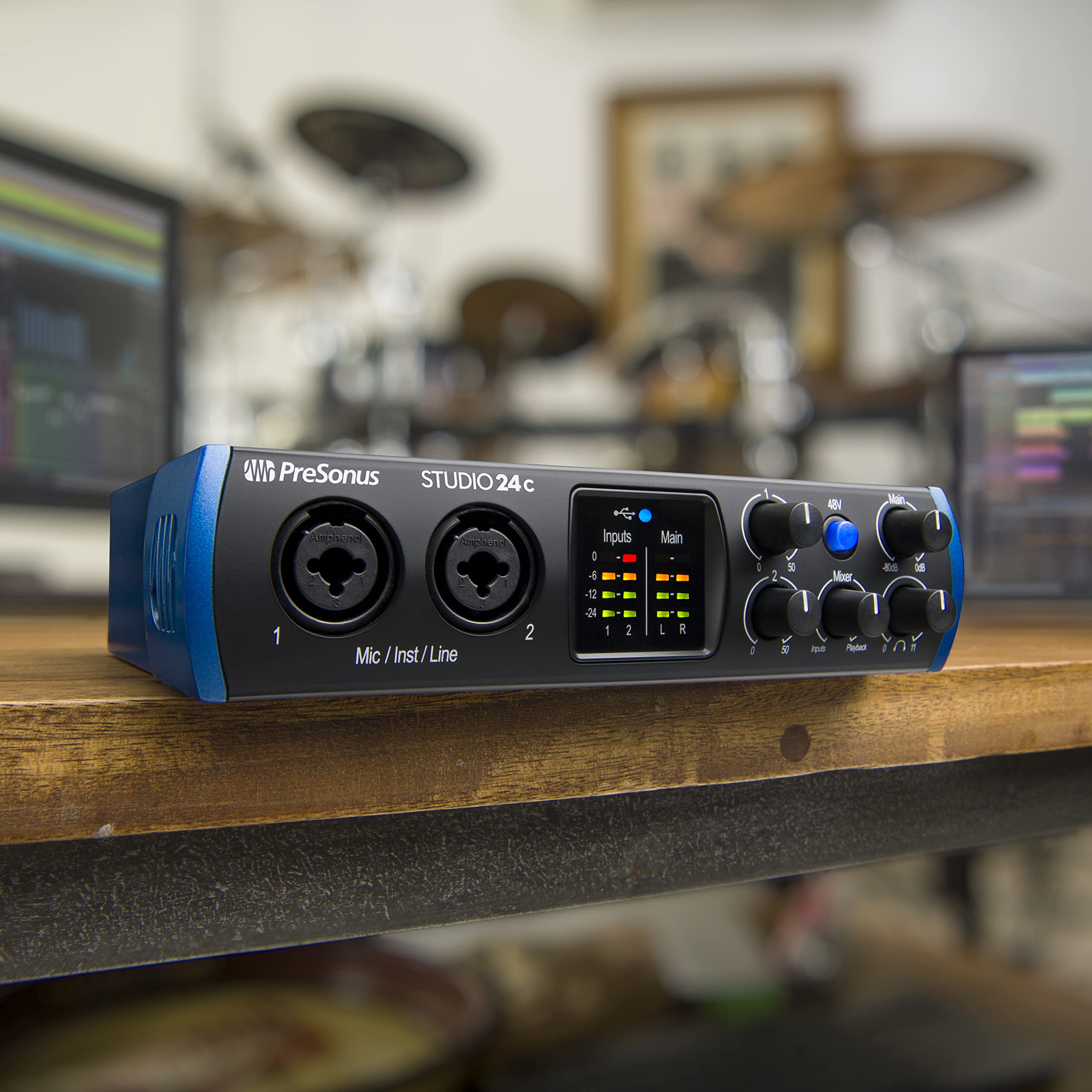



The preamps deliver roughly 60 dB of clean gain. Most quality small-diaphragm condensers used for violin — your typical pencil capsules — sit around 12 to 18 mV/Pa sensitivity, which means a violinist playing at mezzo-forte three feet from the capsule will land comfortably in the M2's sweet spot without needing a Cloudlifter or FetHead in line. That matters because every additional gain stage adds noise, and classical solo recordings live or die by their noise floor.
The third advantage is mundane but real: the M2 is bus-powered, fanless, and silent. A violinist recording in a living room cannot tolerate a buzzing rack-mount interface across the room. The M2 sits on a side table, draws power from a laptop, and disappears acoustically.
The living-room problem (and why it isn't fatal)
Living rooms are not neutral acoustic environments. They typically feature parallel walls, a hardwood or tile floor partially covered by a rug, a sofa, bookshelves, and a coffee table. The result is a room with pronounced low-mid buildup (200–400 Hz), uneven reflections from the hard floor, and a reverb tail that is neither short enough to feel intimate nor long enough to feel like a concert hall.
The good news: solo violin actually flatters domestic rooms more than most instruments. The violin's fundamental energy lives between 196 Hz (open G) and roughly 3.5 kHz (high positions on the E string), with formants extending to 10 kHz and beyond. The instrument radiates omnidirectionally below 600 Hz and becomes increasingly directional above 1 kHz, with strong projection upward and forward. This means a violinist can use room geometry to their advantage — playing toward a soft furnished corner kills early reflections in the most problematic band, while playing away from parallel walls reduces flutter echo.
For a motu m2 violin solo recording living room session, the practical recipe is: pick the longest dimension available, stand at least six feet from any wall, point your scroll toward the larger open space, and put a thick blanket or moving pad on the floor under and behind you to kill the floor-bounce that causes the most audible comb filtering on close-miked violin.
Microphone choices that pair well with the M2
The M2 has two combo XLR/TRS inputs, which gives you exactly the flexibility a soloist needs: one mic for close detail, one mic for room character, summed in your DAW. Here are the realistic categories worth considering.
Small-diaphragm condensers (the default choice)
Pencil condensers are the canonical solo-violin microphone. They capture the bow noise, rosin texture, and high-frequency air that make a classical recording feel present. A matched pair used as a spaced AB or near-coincident XY into the M2's two channels gives you a usable stereo image even in a small room. Aim them roughly four to six feet above and slightly in front of the bridge, angled down toward the f-holes — not directly at them, which exaggerates harshness.
Large-diaphragm condensers (warmer, more forgiving)
If your living room sounds bright and you find pencil mics too analytical, a large-diaphragm condenser placed two to three feet from the instrument trades some high-frequency detail for body and warmth. This is the right choice for violinists with a brighter instrument or a bright bow whose recordings tend toward shrill.
Ribbon microphones (the secret weapon)
Modern active ribbons — anything with a built-in head amp — work beautifully on solo violin and pair well with the M2's clean preamps. Ribbons soften the 4–6 kHz region where bowed strings can sound aggressive, and their figure-eight pattern naturally rejects floor reflections when oriented horizontally. Passive ribbons require closer to 70 dB of gain, which pushes the M2's preamps to their limit; for passive ribbons, plan on an inline gain booster.
A realistic signal chain
Here is a workflow that consistently produces publishable solo-violin recordings on the M2.
- Set your DAW to 24-bit, 96 kHz. The M2 supports up to 192 kHz, but 96 kHz captures all relevant harmonic content of the violin (which extends to roughly 15–16 kHz of musically meaningful information) without doubling your file sizes.
- Engage phantom power on both channels for condensers.
- Set input gain so that your loudest planned passage peaks at roughly -12 dBFS. Solo violin has enormous transient peaks; -12 leaves headroom for the unexpected fortissimo.
- Monitor through closed-back headphones at low volume. Open-back headphones bleed into a quiet condenser pickup pattern and will end up in your recording.
- Record several full takes of the entire piece before doing patch fixes. The musical arc matters more than any single phrase, and editing classical solo recordings from tiny chunks always sounds spliced.
Comparison: when the M2 is and isn't enough
| Use case | M2 sufficient? | Notes |
|---|---|---|
| Solo violin, condenser pair, living room | Yes | Two channels, clean gain, transparent converters |
| Solo violin plus piano accompanist (two mics on each) | No | Need four inputs; consider the MOTU 4pre or similar |
| String quartet at home | No | Minimum four channels for spot mics; eight ideal |
| Solo violin with passive ribbon mic | Borderline | Add a Cloudlifter or FetHead for headroom |
| Solo violin with one condenser, recorded for streaming | Yes | Plenty of overkill; loopback handy for live streaming |
| Album-grade solo Bach project | Yes, with care | Room treatment matters more than interface upgrade |
Room treatment that actually moves the needle
Spending money on a better interface before treating the room is the most common mistake home-recording violinists make. The M2 is already quieter than most rooms — your noise floor is the HVAC, the refrigerator twenty feet away, and the traffic outside. Before upgrading the interface, address those first. Turn off central air during takes. Unplug the fridge for the duration of a session (set a timer so you remember to plug it back in). Record at quiet hours.
For reflections, the highest-value treatment for solo violin is absorption at the first reflection point on the floor (a thick rug or two stacked moving blankets) and on the ceiling above the player (acoustic panels or even a tension-mounted heavy curtain). Walls matter less than you'd think if you stand far from them. Our tips on reducing echo in a home studio covers the principles, and the soundproofing primer distinguishes treatment (controlling reflections inside the room) from isolation (keeping outside sound out) — both relevant when your neighbor's lawnmower is fifteen feet from your scroll.
Practical microphone positioning for solo violin
Position is the single biggest determinant of recorded violin quality, dwarfing the choice of microphone or interface. The instrument radiates differently in every direction and at every frequency. Directly above the bridge captures bow noise and string articulation but exaggerates high frequencies. Below and in front of the f-holes captures body resonance but loses presence. To the player's left (audience right) captures more E-string brilliance; to the right captures more G-string warmth.
A defensible starting point: one small-diaphragm condenser five feet above the player, angled down at about 30 degrees toward the area between the bridge and the fingerboard. A second microphone at the same height but placed eight to ten feet in front, capturing room reflection and air. Pan the close mic dead center and the room mic stereo at roughly 60% width. This produces an intimate but spatially natural recording that sits well in headphone listening, which is how most classical streaming listeners will hear you.
If you only have one microphone, place it about four feet from the instrument, slightly above eye level, and angle it toward the bridge area. Mono solo violin is perfectly legitimate — many beloved historical recordings were captured this way.
Software and post-production
The M2 ships with a generous bundled package: MOTU Performer Lite, Ableton Live Lite, and a sample library. For classical solo work, any modern DAW is fine — the editing requirements are minimal compared to multitrack production. The work happens in three areas:
- Editing. Splicing takes seamlessly across bow changes and breaths. Solo violin is unforgiving of crossfade artifacts; use long fades aligned to silences.
- Subtle EQ. A gentle high-pass at 60 Hz removes rumble. A narrow cut around 250–300 Hz can tame living-room boxiness. Avoid boosting above 8 kHz on close-miked violin unless you enjoy harshness.
- Reverb. A convolution reverb with a small church or chamber impulse response, mixed in at 15–25% wet, transforms a living-room recording into something that sits comfortably alongside commercial classical releases. Don't overdo it.
For broader context on home-studio interface selection, the 2026 audio interface roundup compares the M2 against alternatives at similar price points, and the interface selection guide walks through the criteria that matter for acoustic instruments specifically.
Frequently Asked Questions
Is the MOTU M2 good enough for professional classical violin recordings?
Yes, with caveats. The M2's converters and preamps are clean enough that the interface is not the bottleneck in a domestic recording; the bottleneck is the room and the microphones. Violinists have submitted recordings made on the M2 to streaming platforms and audition committees without listeners suspecting a sub-$200 interface. The limitation is channel count — once you add a pianist or a second instrument, you outgrow it.
How many microphones do I need to record solo violin at home?
One is sufficient for a publishable recording; two opens up stereo imaging. The M2 has two channels, which matches the practical maximum for solo work. Adding more microphones at home tends to introduce phase problems faster than it improves the recording, because untreated rooms produce inconsistent reflections that don't sum cleanly.
Should I use 96 kHz or 192 kHz on the M2 for violin recording?
96 kHz is the sensible choice. The violin's musically relevant content tops out around 15–16 kHz with formants extending higher, all of which 96 kHz captures with significant margin. 192 kHz doubles your storage requirements and CPU load without audible benefit. Reserve 192 kHz for specialized work like spectral analysis or extreme time-stretching.
Do I need a Cloudlifter with the MOTU M2 for violin?
For active microphones — condensers or active ribbons — no. The M2 provides roughly 60 dB of clean gain, more than enough for any active mic on a solo violin at sensible distances. For passive ribbons placed three feet or more from the instrument, an inline gain booster is worth considering because it preserves the ribbon's character while keeping the preamp out of its noisy high-gain zone.
What headphones should I use to monitor while recording solo violin?
Closed-back models with a flat response and good isolation. Open-back headphones bleed audibly into a sensitive condenser pickup pattern, which means your monitoring leaks into your recording. Save the open-back pair for mixing afterward. The closed/open distinction matters more than the specific model.
Can I record solo violin and stream live with the M2?
Yes. The M2's loopback feature lets you route DAW output back into the streaming application, so listeners hear your processed signal rather than a raw mic feed. This is useful for chat streams where you want light reverb on the violin and your microphone for talking between pieces routed through the same chain.
How do I reduce floor-bounce reflections under the violin?
A thick area rug under the playing position absorbs most of the problem. For more aggressive treatment, stack two moving blankets directly under where you stand, covering an area roughly six feet square. The floor-bounce reflection arrives at the microphone less than a millisecond after the direct sound and causes the comb-filter coloration that makes home recordings sound "boxy" — killing it transforms the recording.
Key Takeaways
- Choosing the right motu m2 violin solo recording living room means matching capacity and output ports to your actual devices
- Always check actual watt-hours (Wh), not just watts — runtime depends on Wh, not peak output
- Also covers: m2 acoustic violin home recording
- Also covers: motu m2 classical strings interface
- Also covers: m2 quiet preamps violin
- Compare price-per-Wh across models to find the best value for your budget