Yes, the Rode PodMic for two-host comedy podcasts is one of the smartest buys you can make on a strict $300 budget in 2026. Two PodMics cost roughly $198 together, leaving about $100 for a dual-XLR audio interface, basic boom arms or desk stands, and XLR cables. The PodMic is a broadcast-style dynamic mic with built-in pop filter and internal shock mounting, which means it rejects laughter spikes, table thumps, and the boomy room sound most comedy duos record in. It plugs into any interface with phantom-power-free XLR inputs and delivers a thick, radio-ready voice without sounding harsh when one host suddenly cackles.
Why the PodMic fits comedy duos better than condensers
Comedy podcasts have a specific acoustic problem that scripted shows do not. Two hosts riff, overlap, and crack up at unexpected volumes. A sensitive large-diaphragm condenser will capture every chair squeak, every nervous toe-tap, and every wheezing laugh from across the table. That is fine in a treated studio. In a spare bedroom with a hard desk and bare drywall, it turns the edit into a nightmare of crosstalk and reverb. The PodMic is a cardioid dynamic with a fairly tight pickup pattern and a low sensitivity rating, so it stays focused on the host two to four inches in front of it and ignores most of what the other host is doing.



For comedy specifically, the PodMic has another quiet advantage. Its frequency response is gently tilted toward the lower mids, which adds chest weight to lighter voices and stops loud laughter from turning shrill. A bright condenser will exaggerate the sibilance in a sudden cackle and force you to de-ess every episode. The PodMic mostly handles that in hardware.
The best Rode PodMic for two-host comedy podcasts for your situation depends on how you plan to use it and where.
Breaking down the $300 budget
A workable two-host PodMic rig in 2026 looks roughly like this:
- Two Rode PodMic microphones: about $99 each, so $198 total
- One two-channel USB audio interface with two XLR inputs and decent gain: $70 to $100
- Two XLR cables (10 ft each): $15 to $25 for the pair
- Two desktop boom arms or short stands: $20 to $40 for the pair
- Optional foam windscreens and a splitter for shared headphones: $10 to $15
- A gentle high-pass filter around 80 Hz to roll off rumble
- A broad EQ cut around 300 to 400 Hz if the voice sounds muddy
- A light compressor with a 3:1 ratio to even out shouted vs. spoken lines
- A loudness normalization pass to around -16 LUFS for podcast platforms
That puts the whole rig at roughly $295 to $325 depending on which interface and stands you pick. The single hardest line item to keep under control is the interface, because the PodMic needs a lot of clean gain.
The interface choice matters more than you think
The PodMic is a passive dynamic mic with relatively low output, similar to (though not as extreme as) the Shure SM7B. On a cheap interface, you may need to crank the gain knob past 50 dB and still find the signal too quiet, at which point you also hear the preamp's own hiss. For a comedy podcast that mixes whispered asides with shouted punchlines, that noise floor will eat your dynamic range.
On a $300 total budget, look for an interface that advertises at least 56 dB of gain per channel and ideally has been measured with low equivalent input noise. Several entry-level two-channel interfaces in the $80 to $100 range now meet that bar, and a handful of refurb or open-box options can dip lower. If you find that your interface still falls short, a small inline preamp gain booster solves the problem cheaply, though it is an awkward add-on that you would rather avoid by buying the right interface up front. For a deeper comparison of options that pair well with dynamic mics, see our guide to choosing the best audio interface for podcasting.
Stands, arms, and the table-thump problem
Comedy hosts gesture. They slap the desk, lean on it, and bang their coffee mug down for emphasis. Every one of those impacts travels straight up a cheap desk stand and into the mic capsule. The PodMic's internal shock mount helps, but it cannot save you from a wobbly $8 tripod.
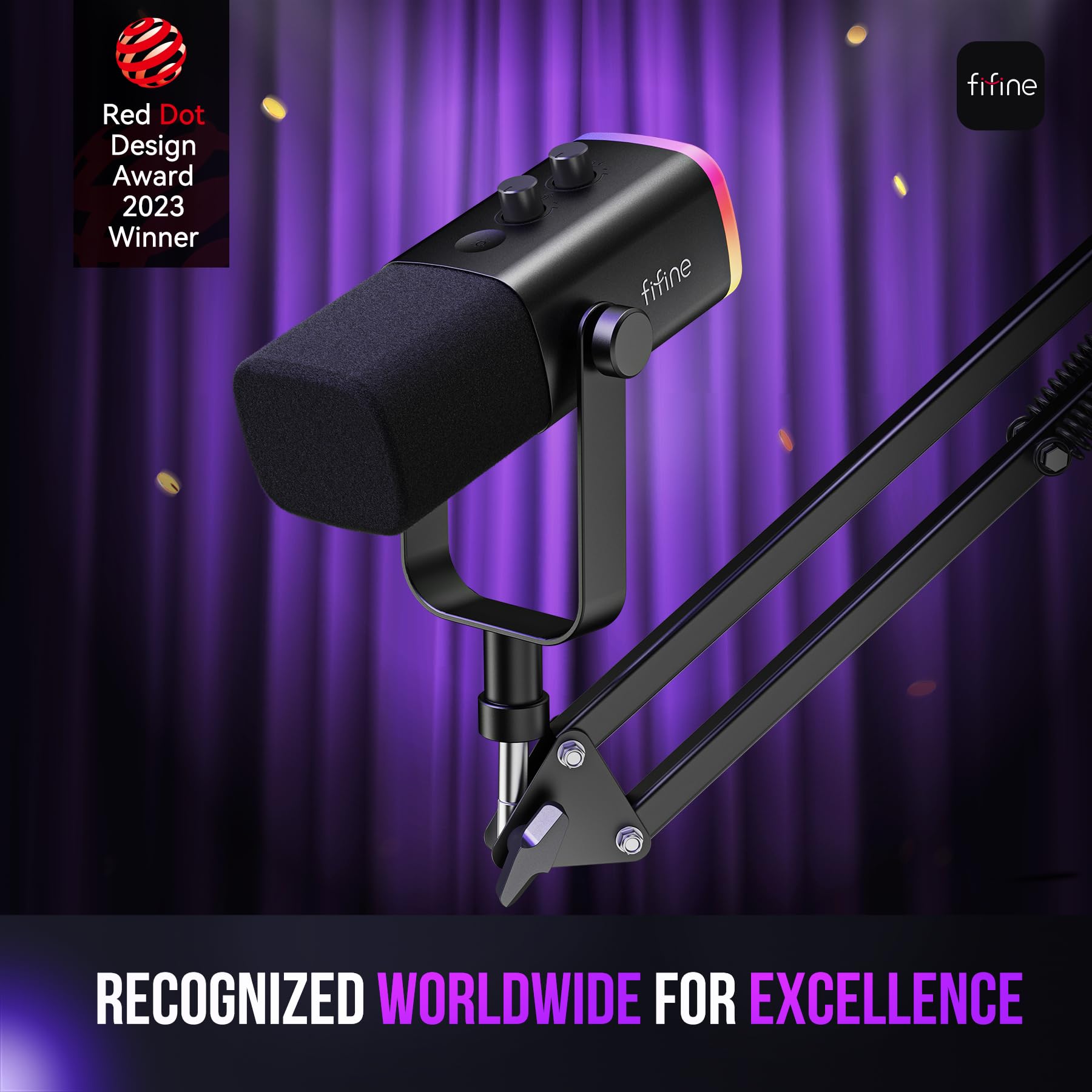
If you can stretch to it, a pair of low-profile desk boom arms (the kind that clamp to the table edge) keeps the mic isolated from the desk surface and lets each host position the capsule at mouth height without hunching. Compact arms designed specifically for the PodMic and similar broadcast dynamics run about $20 each in 2026. If your budget is truly capped at $300, two basic round-base desk stands work, but place a small foam pad or folded towel under each base to absorb thumps.
Room treatment costs almost nothing for a dynamic mic
One of the unsung joys of recording two hosts on dynamic mics is that you do not need a treated room. The PodMic's tight pattern and low sensitivity reject most reflections automatically. That said, comedy episodes still benefit from a slightly deader room because the gaps between jokes are where listeners notice reverb most.
Hang a heavy blanket behind each host, throw a rug on the floor between you, and avoid recording in a kitchen or bathroom. That is roughly 90 percent of what you would gain from a $400 acoustic panel kit. For more low-cost ideas, our tips for reducing echo in a home studio walk through the priorities in order.
Mic technique for two laughing humans
The single biggest quality jump in a two-host comedy podcast does not come from gear at all. It comes from getting both hosts to actually use the mic correctly.
The PodMic is an end-address dynamic, which means you speak into the front grille, not the top. Stay two to four inches off the grille at a slight angle so plosives skirt past the pop filter. When one host launches into a bit and gets loud, the proximity effect at that distance will not balloon the bass, and the dynamic capsule will not clip the way a condenser might.
Encourage the quieter host to lean in a touch and the louder host to back off slightly. Comedy duos almost always have a volume mismatch, and fixing it at the mouth saves an enormous amount of compression work in post.
Headphones, monitoring, and avoiding bleed
Both hosts need to wear closed-back headphones during recording. Open-back headphones leak audio into the other person's mic, which on a comedy show means you will hear a delayed, ghostly version of yourself in the final mix. Cheap closed-back monitoring headphones in the $30 to $50 range are fine for tracking. You can keep your nicer headphones for editing.
If your $300 budget does not stretch to headphones at all, you may already own a pair of closed-back gaming or DJ headphones that will work for tracking. The goal during recording is simply to hear your co-host clearly without leaking that audio back into your own mic.
Recording into a computer versus a dedicated recorder
At this budget, recording straight into a laptop via the USB interface is the right call. A standalone podcast mixer with built-in recording (like the larger Rodecaster units) is a wonderful tool, but it consumes the entire budget on its own. If you eventually outgrow the laptop workflow and want to move to a hardware mixer, our breakdown of the best podcast mixers for seamless recording in 2026 covers the realistic step-up options.
For software, free DAWs like Audacity, GarageBand, or Reaper's evaluation version all handle two-track recording without breaking a sweat. Record each host on a separate track so you can edit out one person's coughing fit without losing the other person's punchline.
Post-production shortcuts for comedy episodes
Two-host comedy edits live or die on pacing. The PodMic's clean, dry sound makes the basic edit chain very short:
You generally do not need de-essing, room reverb removal, or noise suppression on a PodMic if you nailed the room and mic technique. That alone saves you an hour per episode compared to running condensers in the same space.
What to upgrade first when the budget opens up
If the show takes off and you can spend another $200 to $300, prioritize in this order: better boom arms (for cleaner positioning and zero desk noise), a better interface with cleaner gain, then better headphones. The PodMics themselves can stay in the rig for years. Many professional podcast networks still use them as their default broadcast dynamic. You can read more about how PodMic stacks up against other broadcast-style mics in our roundup of the top podcast microphones for 2026.
Frequently Asked Questions
Can a single Rode PodMic record two comedy hosts sharing a mic?
Technically yes, but you should not. A shared mic forces both hosts to lean toward the same point, which kills natural body language and timing. Worse, the cardioid pattern is designed for one source, so one host will always sound off-axis and thinner than the other. For $99 more, a second PodMic gives both voices the same broadcast quality and lets you edit each track independently. On a comedy show where overlap and reactions matter, separate tracks are essential.
Do I need phantom power to run two PodMics?
No. The PodMic is a passive dynamic microphone, so it draws no power from the interface. You can leave the +48V phantom power button switched off. This is part of why it works well on budget interfaces that have noisy phantom power circuits. Just plug each mic into an XLR input and start adjusting gain.
Will my $300 setup sound noticeably worse than a $1,500 setup?
For a comedy podcast, no. The biggest gains above $300 come from cleaner preamps, better room treatment, and nicer headphones, none of which the average listener consciously notices. What listeners do notice is consistent levels, no background noise, and tight editing. All of those are achievable on the PodMic budget rig. Spend your next dollars on hosting, artwork, and promotion before chasing audio diminishing returns.
How do I stop my co-host's laugh from clipping the recording?
Set your gain conservatively. Have each host do their loudest laugh during a soundcheck and aim for that peak to land around -10 dBFS, not 0 dBFS. The PodMic's dynamic capsule handles loud sources well, so the bottleneck is usually the interface preamp. Recording with headroom gives you space to compress later without distortion. If laughter still clips, back the mic off by another inch.
Is the PodMic better than the Rode PodMic USB for my budget?
For a two-host setup, the standard XLR PodMic is usually better value. The USB version costs more per unit and limits you to one mic per computer USB port without extra software. Two XLR PodMics plus a basic two-channel interface gives you a more flexible rig, separate tracks per host, and a path to upgrade the interface later without replacing the mics.
Can I record outdoors or in a noisy cafe with the PodMic?
The PodMic is built for desktop broadcast use, not field recording. It needs phantom-power-free XLR and benefits from a stable surface. For field interviews, a portable recorder with built-in mics or lavalier-friendly inputs is a better tool. Our overview of the best portable recorders for podcasters in 2026 covers that use case in detail.
What if my voice sounds boomy or muffled on the PodMic?
That is almost always proximity effect from being too close to the grille. Back off to about three inches, angle the mic 15 degrees off-axis from your mouth, and the low-end bloat will disappear. If it persists, a small EQ cut at 200 to 300 Hz cleans it up. The PodMic is voiced for broadcast warmth, so a tiny bit of mud is expected and easy to dial out.
Key Takeaways
- Choosing the right Rode PodMic for two-host comedy podcasts means matching capacity and output ports to your actual devices
- Always check actual watt-hours (Wh), not just watts — runtime depends on Wh, not peak output
- Also covers: Rode PodMic comedy duo setup
- Also covers: budget XLR mic for two comedians
- Also covers: Rode PodMic 300 dollar podcast rig
- Compare price-per-Wh across models to find the best value for your budget