If you searched for a universal audio volt 2 ipad mobile podcaster travel setup, the short answer is yes: the Volt 2 is one of the best travel-ready interfaces for iPad podcasting in 2026. It's bus-powered over USB-C, class-compliant (no drivers, no extra software), small enough to slip into a backpack pocket, and ships with a built-in 1176-style Vintage preamp mode that gives mobile voices the warmth of a studio rack unit. Pair it with an iPad Pro or iPad Air, a dynamic broadcast mic, and a pair of closed-back headphones, and you have a complete remote podcast rig that fits in a packing cube.
Below we break down exactly how to build a travel kit around the Volt 2, what to watch for with iPad power, the cables and adapters you'll actually need on the road, and how the Volt 2 compares to the most common alternatives mobile podcasters consider.
Why the Volt 2 is built for iPad-based travel podcasting
Mobile podcasting punishes gear that's fragile, power-hungry, or driver-dependent. Hotel Wi-Fi crashes, plane outlets disappear, and you may have ten minutes between a green room and a remote interview. The Volt 2 was designed against exactly those constraints. It's a two-channel USB-C interface with two combo XLR/TRS inputs, 48V phantom on both, direct monitoring, MIDI I/O, and a metal chassis that survives being tossed in a carry-on. There's no proprietary power brick: the iPad supplies the bus power directly, and a single USB-C cable handles audio in and out.



The headline feature for spoken-word work is the Vintage preamp mode. Flipping that switch engages an emulation of Universal Audio's 610 tube preamp circuit, adding harmonic saturation and a gentle high-end softening that flatters voices without needing post-production EQ. For a traveling podcaster recording into GarageBand for iOS, Ferrite, or Hindenburg Pro on iPad, that means usable audio straight off the interface with minimal editing.
The realistic universal audio volt 2 ipad mobile podcaster travel kit
Here's what an actual on-the-road rig looks like in 2026, distilled from a year of remote field recording. Everything in this list fits in a single small camera-style sling bag under 6 pounds total.
- iPad Pro 11" or iPad Air (M-series) — class-compliant USB-C audio over a single cable.
- Universal Audio Volt 2 — interface, preamps, phantom power, monitoring.
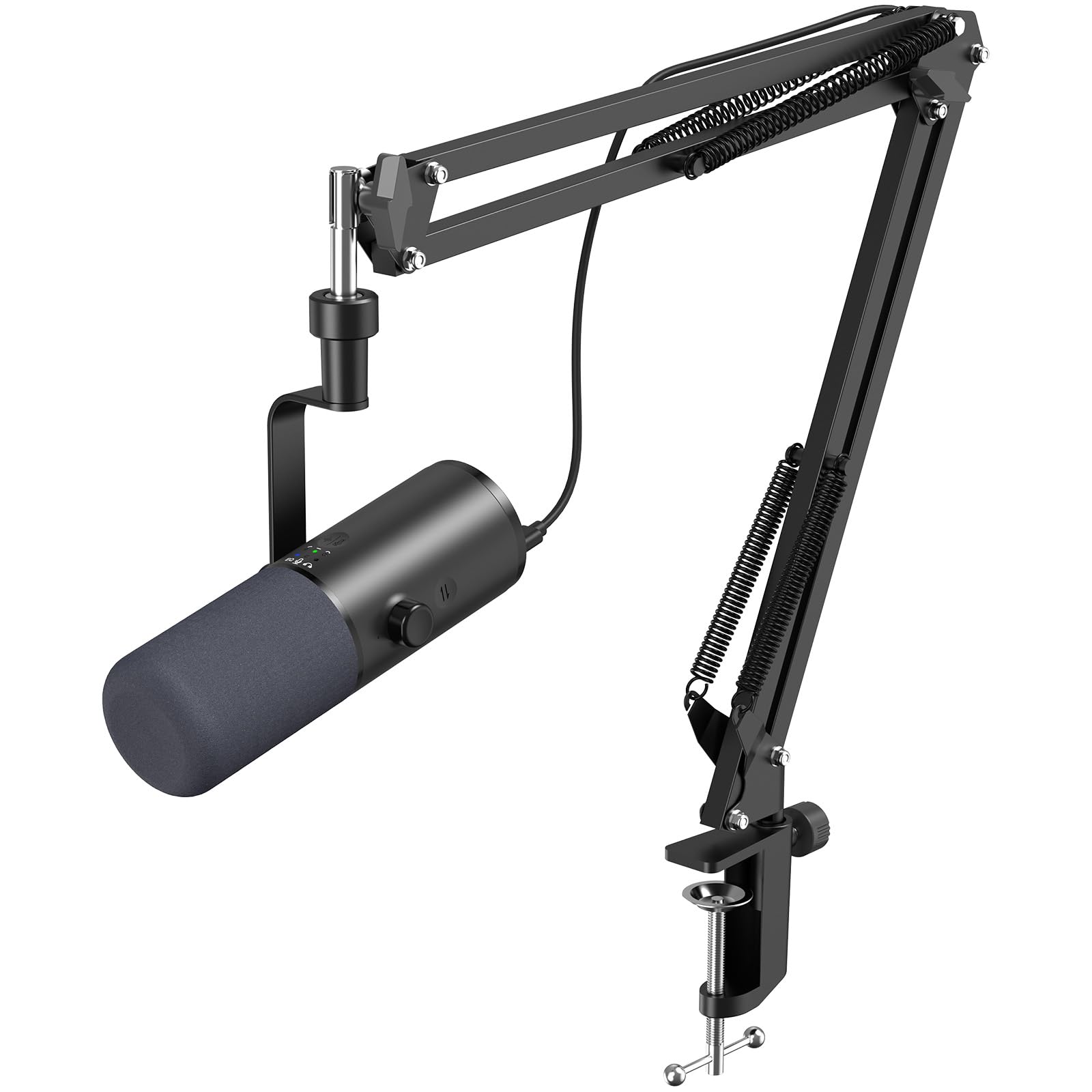
- Dynamic broadcast microphone — rejects hotel-room reflections better than condensers.
- Closed-back monitoring headphones — no bleed into the mic.
- Short XLR cable (6 ft) — long enough to sit comfortably, short enough to coil tiny.
- Right-angle USB-C cable — protects the iPad port if you bump the table.
- Foldable desktop tripod or small boom — table-top stands beat full mic stands for travel.
- Foam windscreen and a small pop filter — packs flat.
If you're still deciding which mic to pair with the Volt 2 for travel, the dynamic broadcast category is the right starting point. Read our 2026 roundup of top podcast microphones and our guide to choosing the best audio interface for podcasting for context before you commit.
Power, phantom, and the iPad reality check
The single most common question we get from podcasters building a Volt 2 travel rig is whether the iPad can actually power the interface plus a phantom-powered condenser microphone. The answer is nuanced. The Volt 2 itself draws within USB-C bus power spec, and a modern iPad Pro or iPad Air will run it cleanly. Engaging 48V phantom adds load, and on older iPads, on hot days, or with the iPad battery below 20%, you can occasionally see clicks or dropouts.
The practical workaround is simple: use a powered USB-C hub between the iPad and the Volt 2. Any pass-through-charging hub that accepts a 20W or higher USB-C PD charger will both feed the iPad and give the Volt 2 a stable rail. Better still, switch to a dynamic microphone for travel work, which needs no phantom power, draws less from the bus, and rejects room sound better in noisy environments anyway. We unpack the dynamic-vs-condenser tradeoff in detail in our essential podcasting equipment guide.
iPad apps that actually work with the Volt 2
Because the Volt 2 is fully class-compliant, it shows up automatically in any iPadOS app that supports external audio input. The apps mobile podcasters reach for most:
- Ferrite Recording Studio — the de facto standard for iPad podcast editing, with multi-track support and AUv3 plugin chains.
- GarageBand — free, simple, perfectly competent for solo episodes.
- Hindenburg Pro for iPad — auto-levelling, voice profiles, and easy multi-track.
- Audio Evolution Mobile Studio — full DAW workflow for those who want stem editing.
- Riverside, SquadCast, Zencastr — for remote interviews recorded into the cloud while the Volt 2 captures your local track.
All of them will see the Volt 2's two channels as separate inputs, which means you can record a guest on input 1 and your own mic on input 2 and split them in post.
How the Volt 2 compares to the other interfaces travel podcasters consider
The Volt 2 isn't the only viable iPad interface in 2026, but it sits in a sweet spot most competitors miss. Here's how it stacks up against the alternatives mobile podcasters most often cross-shop.
| Interface | iPad compatible | Bus-powered | Onboard preamp character | Inputs | Travel weight | Best for |
|---|---|---|---|---|---|---|
| Universal Audio Volt 2 | Yes (USB-C class compliant) | Yes | 1176-style Vintage mode | 2 XLR/TRS combo | ~1.4 lb | Two-person mobile podcast with broadcast tone |
| Focusrite Scarlett Solo (4th gen) | Yes (with adapter) | Yes | Clean, Air mode | 1 XLR + 1 instrument | ~1.1 lb | Solo travel podcasters on a budget |
| SSL 2+ | Yes (USB-C) | Yes | Legacy 4K analog enhance | 2 XLR/TRS combo | ~1.6 lb | Music-leaning creators who also podcast |
| RØDE AI-1 | Yes | Yes | None | 1 XLR/TRS combo | ~0.8 lb | Ultralight solo voice capture |
| Zoom PodTrak P4 | Limited | Battery option | None (clean) | 4 XLR | ~0.6 lb | Roundtable interviews in the field |
The Volt 2 wins for travel podcasters specifically because of three things: it doesn't depend on a power adapter, it gives you broadcast-flavored coloration on board, and it has enough headroom on both channels to record a guest interview without juggling settings. For a deeper side-by-side, see our 2026 audio interface roundup.
What to leave at home
Travel rigs fail because of weight and points of failure, not because they're missing one obscure cable. Things you can confidently leave behind for a universal audio volt 2 ipad mobile podcaster travel workflow:
- External preamps. The Volt 2's Vintage mode does the job for spoken word.
- Studio monitors. Hotel rooms aren't acoustically suitable; headphones are the right call.
- Full XLR mic stands. A tabletop tripod is enough.
- Backup laptops. The iPad plus iCloud or AirDrop is enough redundancy for short trips.
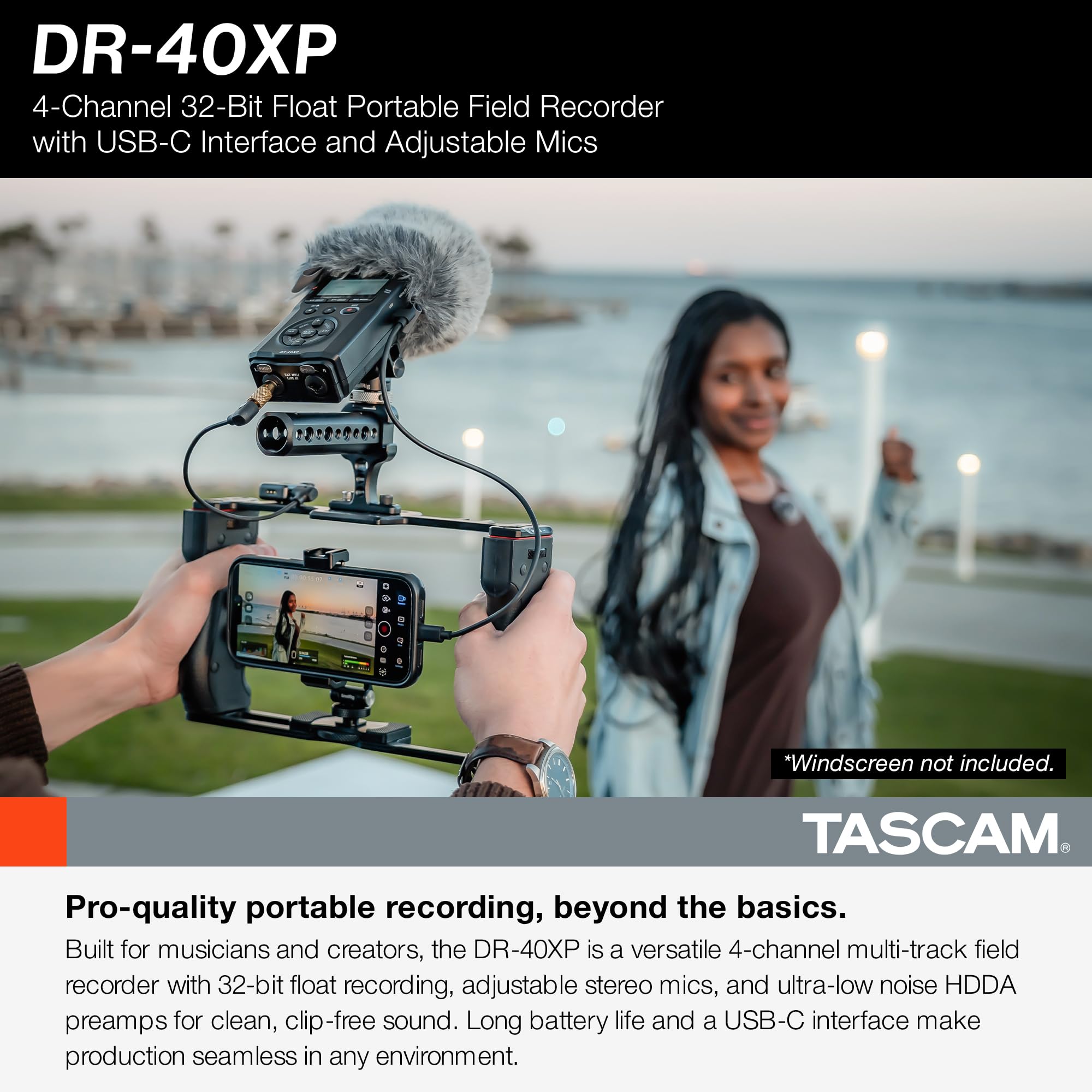
- Dedicated portable recorder. The Volt 2 + iPad combination replaces it for most use cases — though for fully untethered fieldwork our 2026 portable recorder guide is worth a read.
Acoustic treatment when you can't bring acoustic treatment
You can't pack panels, but you can pack technique. Three rules that consistently produce clean travel audio with the Volt 2:
- Record in soft rooms. Beds, curtains, hanging clothes, and a closet full of jackets are your free treatment.
- Get close to the mic. Three to six inches off a dynamic mic kills 80% of room sound before it ever reaches the Volt 2.
- Use the Vintage preamp at moderate gain. Pushing the front end harder gives you a warmer signal that rejects room noise better than chasing gain in software.
Workflow on the road
A realistic episode pipeline for a traveling podcaster: record into Ferrite or Hindenburg with both Volt 2 inputs split to separate tracks, AirDrop the project to your laptop in the next coffee shop, or finish the edit on the iPad itself with AUv3 noise reduction and a touch of compression. Upload to your host over hotel Wi-Fi. The Volt 2 doesn't need configuration when you switch between devices — plug into the iPad, it works; plug into the laptop, it works.
Frequently Asked Questions
Can the Universal Audio Volt 2 run off an iPad without a powered hub?
Yes, on any modern iPad Pro or iPad Air with USB-C the Volt 2 will run cleanly bus-powered. The caveat is condenser microphones requiring 48V phantom power on a low iPad battery: in that scenario, occasional pops are possible. A small powered USB-C hub with pass-through charging removes the risk entirely, and switching to a dynamic mic eliminates it.
Does the Volt 2 work with iPhone for mobile podcasting?
Yes. Modern iPhones with USB-C accept the Volt 2 as a class-compliant audio device with no setup. iPhones running Lightning ports need an Apple Lightning-to-USB Camera Adapter with a passthrough power input, because Lightning alone can't supply enough current for a bus-powered interface plus phantom power.
What's the best dynamic microphone to pair with the Volt 2 for travel?
For mobile podcasting, prioritize dynamic broadcast microphones with cardioid or tight supercardioid patterns and built-in pop and shock isolation. The Volt 2 has enough clean gain for almost any popular broadcast dynamic without needing an inline preamp booster, which is a real packing-weight win compared to lower-gain budget interfaces.
How does the Volt 2 compare to the Volt 1 for an iPad travel rig?
The Volt 1 is even smaller and slightly cheaper, but it has only one input. If you ever record an in-person interview, do a two-mic remote, or want to capture a guest, the Volt 2's second channel is worth the extra ounce. For a solo-only travel podcaster who never interviews in-person, the Volt 1 is a legitimate ultralight pick.
Can I record a remote interview on iPad using the Volt 2?
Yes. Apps like Riverside and SquadCast for iPad capture your guest's track in the cloud while the Volt 2 captures your own voice locally through a wired mic. The combination of a wired local mic via the Volt 2 plus a cloud-side guest track gives you broadcast-quality remote interviews from a hotel room.
Will the Volt 2 introduce latency when monitoring on iPad?
The Volt 2 has a hardware direct-monitor switch that routes the input straight to the headphone output with effectively zero latency, completely bypassing iPad processing. For spoken-word recording this is the right default. If you need to monitor with iPad-side effects, software monitoring works too, with manageable latency on modern iPads.
Is the Volt 2 enough interface to grow into a home studio later?
Yes. The same Vintage preamps, two combo inputs, MIDI I/O, and bus-powered design that make the Volt 2 a great travel interface also make it a fully credible home studio interface for solo or duo podcasters. Many users keep the Volt 2 as their permanent rig rather than upgrading once they're back at the desk.
Key Takeaways
- Choosing the right universal audio volt 2 ipad mobile podcaster travel means matching capacity and output ports to your actual devices
- Always check actual watt-hours (Wh), not just watts — runtime depends on Wh, not peak output
- Also covers: uad volt 2 ipad podcast
- Also covers: volt 2 travel podcasting kit
- Also covers: ua volt 2 ios recording
- Compare price-per-Wh across models to find the best value for your budget